手写算法: 只出现一次的数字
思路
- 根据题意,本题要求线性复杂度为 0(n),不能增加额外空间。再者,每个元素均出现 2 次,可以考虑用异或运算。相同数比较时为 0,可以看作是被消除掉了,那么只会单一个数出来,0 与任意数做异或运算时,都会输出它本身。
异或运算
也叫半加运算,其运算法则相当于不带进位的二进制加法。
异或运算的法则为:
【我的大白话理解:其实也就是判断两个数是不是不为同一个数,不为同一个数则为真。在二进制中 1 为真,0 为假】
- 0 ^ 0 = 0 假
- 0 ^ 1= 1 真
- 1 ^ 0 = 1
- 1 ^ 1 = 0
即,同为 0,异为 1.
- 一个数和 0 做 XOR 运算等于本身,a ^ 0 = a
- 一个数和其本身做 XOR 运算,a ^ a = 0
- XOR 运算满足交互旅和结合律,a ^ b ^ a = (a ^ a) ^b = 0 ^ b = b
/**
 * @param {number[]} nums
 * @return {number}
 */
var singleNumber = function(nums) {
  let ans = 0;
  for (const num of nums) {
    ans ^= num;
  }
  return ans;
};
手写题:两个已排序数组的中位数
/**
 * @param {number[]} arr1 - sorted integer array
 * @param {number[]} arr2 - sorted integer array
 * @returns {number}
 */
function median(arr1, arr2) {
  const arr = [...arr1, ...arr2];
  arr.sort((a, b) => a - b);
  const len = arr.length;
  const idx = Math.floor(len / 2);
  return len % 2 !== 0 ? arr[idx] : (arr[idx] + arr[idx - 1]) / 2;
}
JS 简答题
this II
const obj = {
  a: 1,
  b() {
    return this.a;
  },
};
console.log(obj.b());
console.log((true ? obj.b : a)());
console.log((true, obj.b)());
console.log((3, obj['b'])());
console.log(obj.b());
console.log((obj.c = obj.b)());
解析
➡️ 直接拿 obj.b 拿到的是一个匿名函数 function () { return this.a; },这时候它的作用域是 window
a, b, c,逗号连接的变量,只拿最后一个变量 c
Hoisting IV
let foo = 10;
function func1() {
  console.log(foo);
  var foo = 1;
}
func1();

function func2() {
  console.log(foo);
  let foo = 1;
}
func2();
解析
var, let, const在函数内都会提升var在提升的过程中,声明并且初始化,所以是 undefinedlet, const已声明但是未初始化,访问未初始化的变量会引用错误
var foo 变量提升,阻止了向上找的动作,所以是 undefined
let foo 变量提升,未初始化,访问 foo 报错
Uncaught ReferenceError: Cannot access 'foo' before initialization
Promise.all()
(async () => {
  await Promise.all([]).then(
    value => {
      console.log(value);
    },
    error => {
      console.log(error);
    }
  );

  await Promise.all([1, 2, Promise.resolve(3), Promise.resolve(4)]).then(
    value => {
      console.log(value);
    },
    error => {
      console.log(error);
    }
  );

  await Promise.all([1, 2, Promise.resolve(3), Promise.reject('error')]).then(
    value => {
      console.log(value);
    },
    error => {
      console.log(error);
    }
  );
})();
解析
Promise.all()返回一个数组,没有传入的是空数组的话,直接返回空数组。Promise.all()捕获到错误,会立即把错误抛出
JSON.stringify()
console.log(JSON.stringify(['false', false]));
console.log(JSON.stringify([NaN, null, Infinity, undefined]));
console.log(JSON.stringify({ a: null, b: NaN, c: undefined }));
解析
在数组和对象中,stringify 使
NaN, Infinity, undefined都变成 null,然后报错在字符串中返回出去在对象中,它会删除未定义的 key
precedence
let a = 1
console.log(a +++ a)

let b = 1
console.log(b + + + b)

let c = 1
console.log(c --- c)

let d = 1
console.log(d - - - d)
解析
value++ 与 ++value,value++先赋值后加,++value先加再赋值
a +++ a ==> a++ + a ==> 1 + 2 = 3
b + + + b ==> b + + (+b) => 1 + (+1) => 1 + 1 = 2
c --- c ==> c-- - c ==> 1 - 0 = 1
d - - - d ==> d - - (-d) => d - d => 1 - 1 = 0
Math
console.log(1 / 0)
console.log(0 / 0)
console.log(-1 / 0)
console.log(1 / 0 * 0)
console.log(1 / 0 * 1)
console.log(1 / 0 * -1)
console.log(1 / 0 * 1 + 1 / 0 * 1)
console.log(1 / 0 * 1 - 1 / 0 * 1)
console.log(1 / 0 * 1 * (1 / 0 * 1))
console.log(1 / 0 * 1 / (1 / 0 * 1))
console.log(0 / Infinity)
console.log(0 * Infinity)
解析
- 记住以下四个特殊的例子, 都为NaN
0 * Infinity
0 / 0
Infinity - Infinity
Infinity / Infinity
只要是js没办法计算的就会返回NaN
- 计算顺序都是从左往右
1 / 0 * 0 // ==> Infinity * 0 ==> NaN

1 / 0 * 1 // ==> Infinity * 1 ==> Infinity

1 / 0 * -1 // ==> Infinity * - ==> -Infinity

1 / 0 * 1 + 1 / 0 * 1 // ==> Infinity + Infinity ==> Infinity

1 / 0 * 1 - 1 / 0 * 1 // ==> Infinity - Infinity ==> NaN

1 / 0 * 1 * (1 / 0 * 1) // ==> Infinity * Infinity

1 / 0 * 1 / (1 / 0 * 1) // ==> Infinity / Infinity

0 / Infinity // ==> 0 / 任何不为0的数都为0
meaningless calculation
const num = +((~~!+[])+(~~!+[])+[]+(~~!+[]))
console.log(num)
解析
分块计算, 先算~~!+[]
+[] ==> +0 ==> 0
!0 ==> true
~true ==> ~1 ==> -2
- 求 1 的按位非
- 1 的二进制为: 0000 0001 (原码)
- 取反: 1111 1110 (反码)
- 除符号位,其他取反: 1000 0001
- 加 1: 1000 0010 (-2 的原码)
得到 1000 0010,第一个数字是符号位,1 为负数,所以这里是-2
~-2 ==> 1
- 求-2 的按位非
- 可以直接拿上面的原码计算,计算公式:求-2 的补码,包含符号为一块取反
- -2 的原码:1000 0010
- 补码 = 反码 + 1: 1111 1101 (反码) + 1 ==> 1111 1110
- 取反: 0000 00001
得到 0000 0001,同样第一个数字是符号位,0 为正数,所以这里是 1
+((~~!+[])+(~~!+[])+[]+(~~!+[]))变成 +(1 + 1 + [] + 1)- +(2 + [] + 1)
- [] 跟 数字相加会先转换成空字符, ==>
[].toString() - 2 + '' + 1 ==> '2' + 1 ==> '21'
- +('21') ==> 21
- [] 跟 数字相加会先转换成空字符, ==>
- +(2 + [] + 1)
思考
🤔 不知道原码的时候怎么计算呢?
- 先拿到 2 的原码:0000 0010
- -2 就是 2 的反码 + 1:
- 反码: 1111 1101
- 加 1: 1111 1110
- 再取反: 0000 0001
同样得到的数为 1
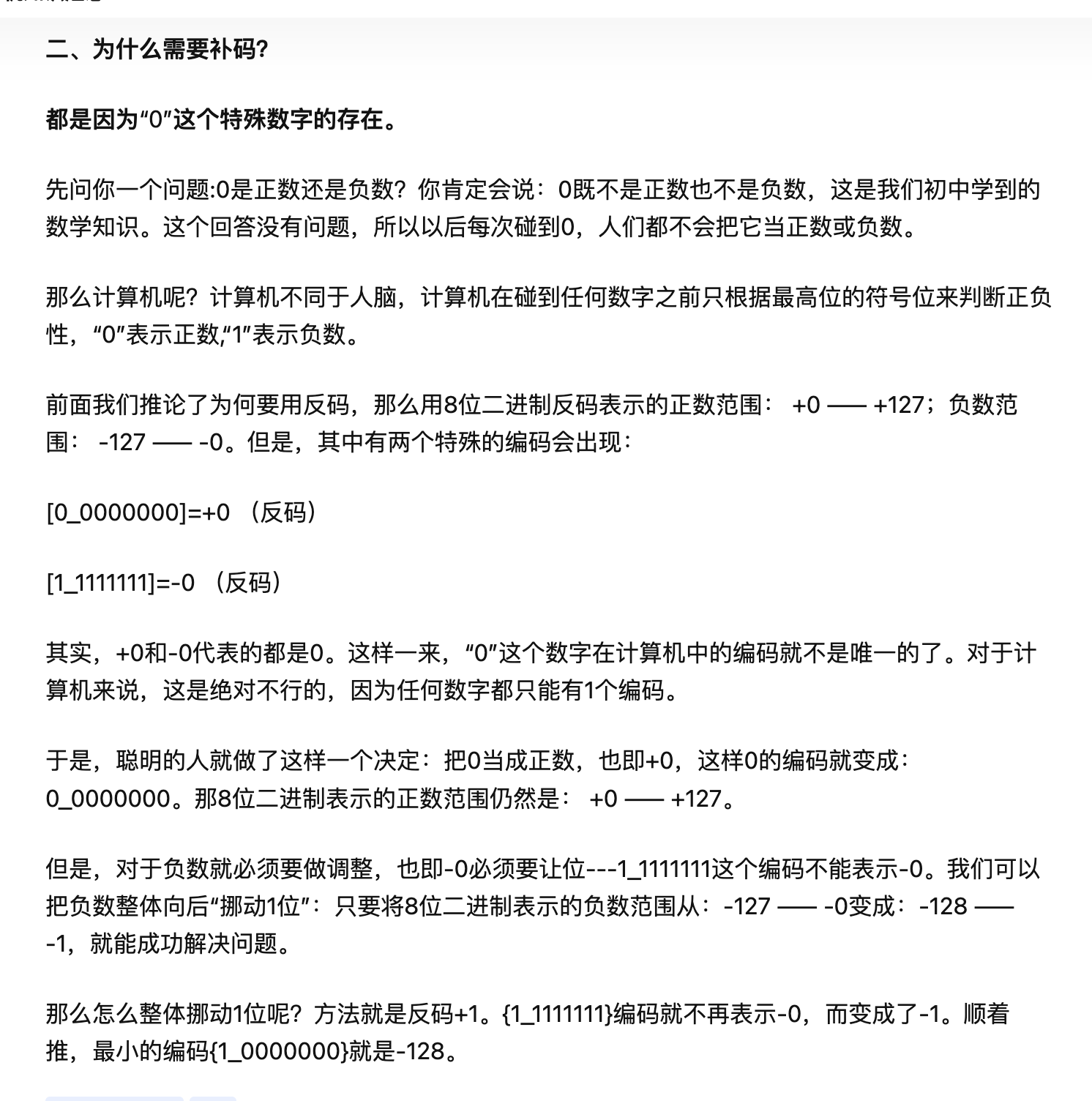
补习一下: 原码、补码、反码
计算机都是用补码存储,在计算的时候,如果是减法,可以把减法看成加法。
原码
1 ==> 0000 0001
2 ==> 0000 0010
-1 ==> 1000 0001
-2 ==> 1000 0010
反码
正数的反码是它本身,负数的反码除符号位外,其他位取反
-1 ==> 1000 0001 原码
计算过程:
- 除符号位取反 ==> 1111 1110 反码
补码
正数的补码还是它本身, 负数的补码除符号位取反,然后加一
-1 ==> 1000 0001 原码
计算过程:
- 除符号位取反==> 1111 1110 反码
- 加 1 ==> 1111 1111 补码
总结
- 原码取反变反码
- 反码加 1 变补码
- ~i,求 i 的按位非,就是对进行 i 的补码,再将符号位一块进行取反